







Imagine walking into your home, saying “Turn on the lights,” and having them light up instantly. Or asking your speaker, “What’s the weather like today?” and getting a quick answer while you sip your coffee. This is the magic of voice assistants—your personal gateway to smart home automation.
If you’re new to smart home tech, voice assistants are one of the easiest ways to dip your toes into automation without getting overwhelmed. In this beginner-friendly guide, we’ll walk you through what voice assistants are, what they can do, and how to get started.
What Is a Voice Assistant?
A voice assistant is a virtual helper powered by artificial intelligence (AI) that responds to spoken commands. The most popular voice assistants are:
- Amazon Alexa
- Google Assistant
- Apple Siri
These assistants are built into devices like smart speakers (e.g., Amazon Echo, Google Nest), smartphones, tablets, and even some TVs and appliances.
You can ask your voice assistant to do a wide variety of tasks—from checking the news or playing music to controlling lights, thermostats, and more.
Why Start with a Voice Assistant?
Voice assistants make home automation accessible, affordable, and simple. You don’t need to be tech-savvy to use them, and most devices walk you through setup in a few easy steps.
Here’s why they’re great for beginners:
- No need for screens or apps: Just speak!
- Hands-free control: Great when you’re cooking, cleaning, or multitasking.
- Budget-friendly entry point: Basic smart speakers can cost less than $50.
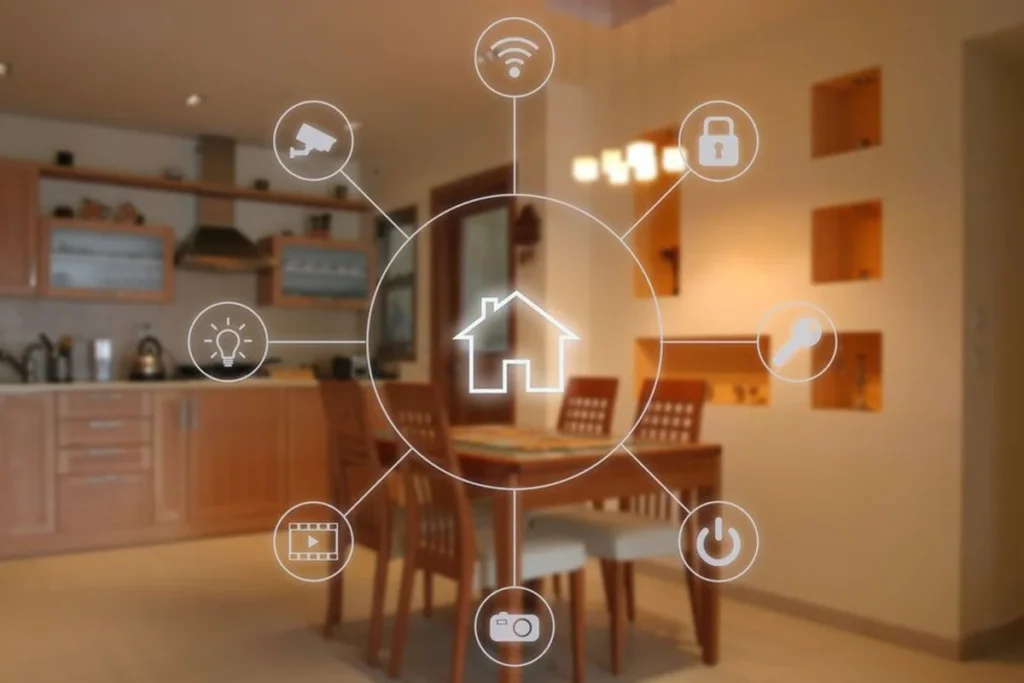
- Works with many devices: Lights, plugs, locks, and cameras can all be voice-controlled.
What Can You Control With a Voice Assistant?
Once your voice assistant is set up, you can control a wide variety of smart devices. Here are a few ideas:
- Smart Lights: Turn lights on/off or dim them just by asking. “Alexa, dim the living room lights to 50%.”
- Smart Plugs: Control any plugged-in device (like a lamp or coffee maker) with your voice.
- Smart Thermostats: Change the temperature without lifting a finger.
- Smart Locks & Doorbells: Ask who’s at the door or lock it remotely with a command.
- Music & Entertainment: “Hey Google, play relaxing jazz.” Done.
How to Get Started in 3 Simple Steps
1. Choose a Voice Assistant Platform
Pick one of the main ecosystems—Amazon Alexa, Google Assistant, or Apple Siri. Consider what phone or smart devices you already use, since compatibility matters. (For example, Siri works best with Apple products.)
2. Buy a Smart Speaker or Display
Entry-level devices include the Amazon Echo Dot or Google Nest Mini. These compact smart speakers are affordable and perfect for small rooms or apartments.
3. Connect Smart Devices
Start small. Buy a smart bulb or plug that works with your assistant. Follow the app instructions to link it, then try out voice commands like “Turn on the bedroom lamp.”
Tips for a Smooth Smart Home Start
- Stick to one ecosystem. Mixing Amazon, Google, and Apple can lead to compatibility headaches.
- Use routines. Set up simple routines like “Good morning” to turn on lights and give you the weather forecast.
- Name your devices clearly. Instead of “Lamp 1,” name it “Bedroom Lamp” so your commands are easy and natural.
- Be patient. There’s a small learning curve, but once you’re used to it, you’ll love the convenience.
Final Thoughts
Getting started with smart home automation doesn’t have to be complicated. Voice assistants offer a friendly, intuitive way to make your daily life easier and more connected. Whether it’s turning off the lights from bed or asking your assistant to play your favorite song, this tech is here to serve you—literally.
So, if you’re thinking about dipping into the world of smart homes, start by asking, “Hey, what can you do?” You might be surprised by how much voice assistants can simplify your life.